

You can deliver excellent treatment in an hour a week and still watch a patient plateau. The reason is often sitting in their office: the chair, screen and working habits they return to for the other 40 hours. This guide is for physiotherapists, occupational therapists, GPs, chiropractors and consultants who want to close that gap, with practical advice you can give in clinic and clear routes to the support patients are entitled to at work.
KOS Ergonomics has worked alongside Irish clinicians for over 28 years, from spinal surgeons and physiotherapists to occupational therapists and GPs. The frustration we hear most is the same one: the workplace undoes the treatment, and the clinician has no way into it. Our multidisciplinary team of ergonomists, physiotherapists and health and safety specialists sees the other side, the people at their desks whose pain is shaped by how they work. This article brings the two together.
Why the workplace undermines treatment
Treatment is intermittent. Exposure is continuous. A patient might complete prescribed exercises a few times a week, then spend most of their waking hours in a seated, static posture at a workstation that was never set up for them. For conditions driven by cumulative load, such as non-specific low back pain, neck pain, tendinopathies and nerve entrapments, that exposure can outweigh the treatment dose.
A few hours of high-quality treatment can be undone by weeks of an unsupportive setup and poor working habits.
Most patients don't know which parts of their workday are aggravating their symptoms, and most employers don't know what to change. That leaves the clinician as the person best placed to connect the dots, with the right tools.
What sitting actually does to the spine
Classic intradiscal pressure studies by Nachemson suggested that sitting loads the lumbar discs considerably more than standing, and that slumped, forward-flexed sitting loads them most. Later in vivo work by Wilke and colleagues (1999) refined this: relaxed upright sitting produced pressures closer to standing than first thought, while slumped, flexed sitting still raised disc pressure markedly. A correctly positioned backrest and slight recline reduce the load further.
The practical message for patients is consistent across both bodies of evidence:
- Slumped, forward-leaning sitting is the position to minimise. It loads the disc and holds the lumbar spine in sustained flexion.
- Support and slight recline unload the spine. A backrest that fills the lumbar curve takes load off the discs and back muscles.
- No single posture is right for eight hours. Movement and variation matter more than finding a perfect position. Your next posture is your best posture.
This fits current clinical guidance such as NICE NG59 on low back pain and sciatica, which favours staying active and self-management over rest.
Four areas to cover with your patients
You don't need to become an ergonomist to make a difference. These four areas cover most of what patients need:
| Area | What it achieves | Where to start |
|---|---|---|
| 1. Working habits | Reduces sustained static load between treatment sessions | Movement, breaks and position changes through the day |
| 2. Workstation setup | Removes the most common aggravating postures | Chair, feet, screen and reach, in that order |
| 3. Workplace supports | Gets the employer involved and equipment funded | DSE assessment, detailed assessment, grants |
| 4. Specialist equipment | Addresses the minority whose needs standard furniture can't meet | Matched to condition, body size and task, then fitted properly |
1. Healthy working habits
Habit change is where patients have the most control, and where small, specific advice works better than general encouragement. These six habits are realistic in most offices:
Alternate working positions
Encourage patients to change position regularly and use the movement their chair allows. A sit-stand desk makes alternating easy: in Alkhajah et al. (2012), introducing sit-stand workstations cut workplace sitting by over two hours a day, and a Cochrane review of workplace interventions found sit-stand desks reduce sitting at work in the short term, with less certain effects over longer periods. Standing all day is not the aim; regular change is.
Use hydration as a movement cue
Drinking water regularly brings natural reasons to get up: refilling a glass and more frequent bathroom breaks. A small cup rather than a large bottle increases the number of trips.
Try walking meetings
One-to-one calls and short meetings can often be taken on foot. Research by Oppezzo and Schwartz (2014) at Stanford found most participants generated more creative ideas while walking than while sitting, a useful point when patients worry about productivity.
Let technology prompt breaks
Calendar reminders, smartwatch alerts, or equipment with built-in break prompts such as the KOS Split Keyboard and KOS MicroBreak Mouse turn good intentions into a routine of regular micro-breaks.
Build up standing and light activity gradually
A pattern such as 20 minutes sitting, 8 minutes standing and 2 minutes moving is a useful target, but adapt it to what the patient's workplace will realistically allow. Advice that feels impossible tends to be ignored. Building towards around two hours of standing and light activity across the working day is a reasonable long-term goal for many office workers.
Explain the rationale
This is the habit that makes the others stick. Patients who understand why sustained sitting and static postures aggravate their condition are far more likely to change. A two-minute explanation in clinic often achieves more than a printed handout.
Our article on staying mobile at work has patient-friendly versions of these tips you can share.
2. Workstation setup: a seven-point check
Ask your patient to describe or photograph their setup, then work through these points. Order matters: set the chair first, then fit everything else around the person.
- Feet supported. Feet flat on the floor or on a footrest. This stabilises the pelvis, encourages sitting back into the chair and discourages crossing the legs.
- Seat height. Hips level with or slightly above the knees, thighs roughly horizontal, so weight spreads through the thighs rather than concentrating in the lower back.
- Backrest and recline. Backrest set to a comfortable working angle. If the chair reclines, encourage periodic use to unload the lumbar spine. A locked, static chair invites the body to find a worse position.
- Lumbar support position. The support should sit in the hollow of the lower back, roughly just above the waistband of the trousers.
- Priority reach zones. Keyboard and mouse within the optimum reach zone, about half an arm's length. Items used occasionally within the maximum zone, about an arm's length, to avoid repeated leaning and twisting.
- Screen position. About an arm's length away, with the top third of the screen at eye level, so the head stays balanced over the shoulders. Lower it for patients who wear varifocals.
- Infrequent items further away. Printers, files and bins away from the desk, so the patient has to stand up and move during the day.
For versions patients can follow themselves, point them to our guides on ergonomics in the workplace and, for upper-limb conditions, carpal tunnel desk setup, tennis elbow and De Quervain's.
3. How patients can access support at work
Many patients don't realise what they are entitled to. Knowing the routes lets you give specific next steps rather than "speak to your employer".
| Route | What it is | When to recommend it |
|---|---|---|
| DSE assessment | A legal entitlement for habitual screen users under Regulation 72 of the General Application Regulations 2007, often carried out by an internal assessor after a short course | A baseline for any office-based patient; useful for general setup, but rarely sufficient once symptoms are established |
| Detailed ergonomic assessment | A clinically informed assessment by an ergonomist, physiotherapist or similarly qualified assessor, usually external | Recurring or persistent symptoms aggravated by work, diagnosed MSK conditions, pregnancy, or return to work after injury or surgery |
| Workplace needs assessment | A broader review of the person, their role, tasks and environment | Disability, long-term conditions, or complex return-to-work cases |
| Grants and reasonable accommodation | Employers have reasonable accommodation duties, and State grants can help fund assessments, equipment and adaptations | When cost is a barrier, or the patient has a disability or long-term condition |
Our guides on reasonable accommodation, Work and Access grants and the workplace needs assessment grant explain eligibility and how employers apply. The HSA's DSE FAQs set out what employers must provide.
A note on assessor competence
Standard DSE assessments are often treated as a compliance check, and internal assessors may have limited training and no clinical background. For a patient with a recurring or acute condition, recommend an assessor whose competence matches the issue. If you know a competent assessor or company, name them in your recommendation; it gives the employer a clear next step.
4. Specialist equipment: avoiding the "ergonomic chair" trap
In most organisations, standard adjustable furniture suits the large majority of staff once it is set up properly. A minority, including people with chronic low back pain, nerve entrapments, tendinopathies, and those much taller, shorter or heavier than average, need specialist equipment. They are usually the ones who end up in your clinic.
The gap is predictable. The employer expects the clinician to specify the equipment. The clinician knows what it needs to achieve, but not which product does it. A generic recommendation such as "needs an ergonomic chair" is written, procurement searches online, and the patient receives something that doesn't address their condition.
Translating clinical findings into a specification
The most useful thing you can write is what the equipment must do, not just what it is called:
| Clinical finding | Specify that the equipment must | Typical solutions |
|---|---|---|
| Flexion-intolerant low back pain or disc-related symptoms | Support the lumbar curve, allow slight recline, open the hip angle | Back care chair with adjustable lumbar support and forward or multi-tilt, such as the HM380 or Malmstolen 4000; sit-stand desk |
| Radicular leg symptoms aggravated by sitting | Adjust seat depth to clear the back of the knee; reduce thigh pressure | Chair with seat depth adjustment; tilting footrest; seat wedge |
| Lateral elbow pain or wrist extensor overload | Reduce forearm pronation and grip force | Vertical mouse such as the Evoluent 4, or a central pointing device such as the MouseTrapper Advance 2.0 |
| Carpal tunnel syndrome | Keep the wrist neutral; avoid pressure over the carpal tunnel | Low-profile or split keyboard such as the Kinesis Freestyle2; correctly sized vertical mouse |
| Shoulder or rotator cuff pain | Eliminate lateral reach to the mouse; support the forearms | Compact keyboard; central pointing device; forearm support |
| Cervical pain or headaches with screen work | Screen at the correct height and distance; no sustained rotation | Monitor arm such as the PI Float; laptop stand with separate keyboard and mouse |
| Above or below average body size | Adjustment ranges that actually fit the person | Chairs sized for the user, such as the Malmstolen 7000 for larger users |
Product examples are illustrative. The right choice depends on the individual, the task and the environment, and should be confirmed by trial and fitting.
Fitting matters as much as the product
A well-chosen back care chair that is set up incorrectly can be as unhelpful as the wrong chair. Specialist equipment should be fitted to the user by someone familiar with it, and the patient shown how to adjust it themselves. Where possible, let patients trial options first: our physiotherapists offer showroom consultations in Dublin and Tipperary and online, where equipment is matched to the clinical recommendation.
Bringing it together
Hours at the desk accumulate into weeks, months and years. Patients who understand their working habits and have a workstation that fits them manage their condition far better between appointments. Combining high-quality treatment with tailored ergonomic advice, the right workplace supports and properly specified equipment gives patients the best chance of a lasting outcome, and gives you a more complete service to offer.
Some clinicians go further and add ergonomic assessments to their own services. If that interests you, our DSE assessor training is designed to sit alongside existing clinical expertise.
Free in-service for clinical teams
Arrange a free in-service with one of our ergonomic consultants, at your clinic or online. We cover:
- Funding and grants available for workplace assessments and equipment
- How patients should engage with their employer when work is aggravating their condition
- Current ergonomic approaches in injury management
- Hands-on demonstrations of the latest specialist equipment
- How patients can access ergonomic supports at no cost to them
Clinicians tell us they leave better equipped to advise patients on posture-related issues and the supports available. Email ergoclub@kos.ie to arrange yours.
Related reading
- Ergonomics in the workplace: a practical guide for Irish employers
- Reasonable accommodation in the workplace: an employer's guide for Ireland
- Returning to work in Ireland: Work and Access grants explained
- Best keyboard and mouse for carpal tunnel syndrome
- RSI prevention: five tips for computer and mouse users
How KOS supports clinicians and their patients
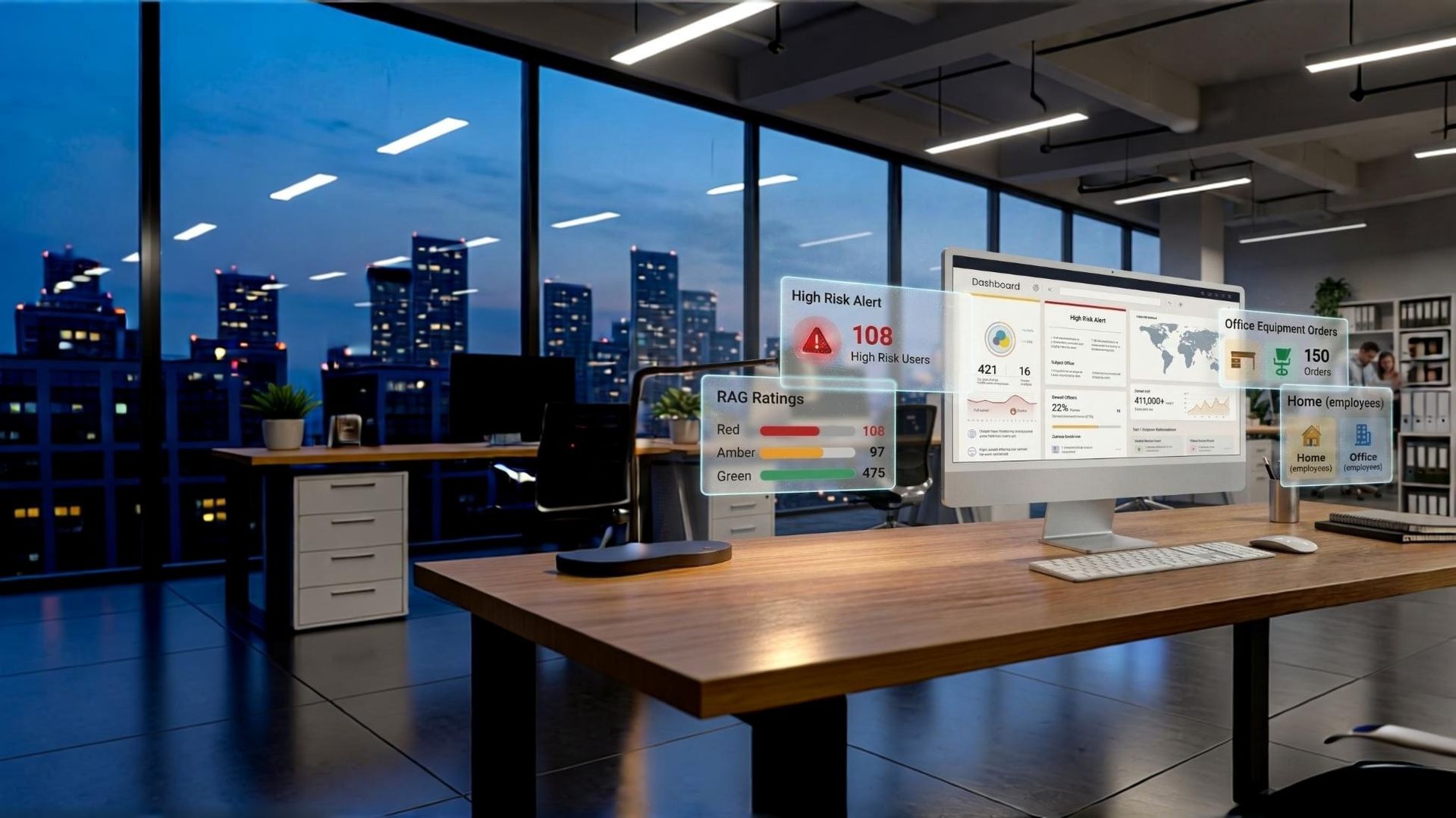
Free clinical in-service
A session for your team on grants, workplace routes, current approaches and the latest equipment.
Arrange an in-service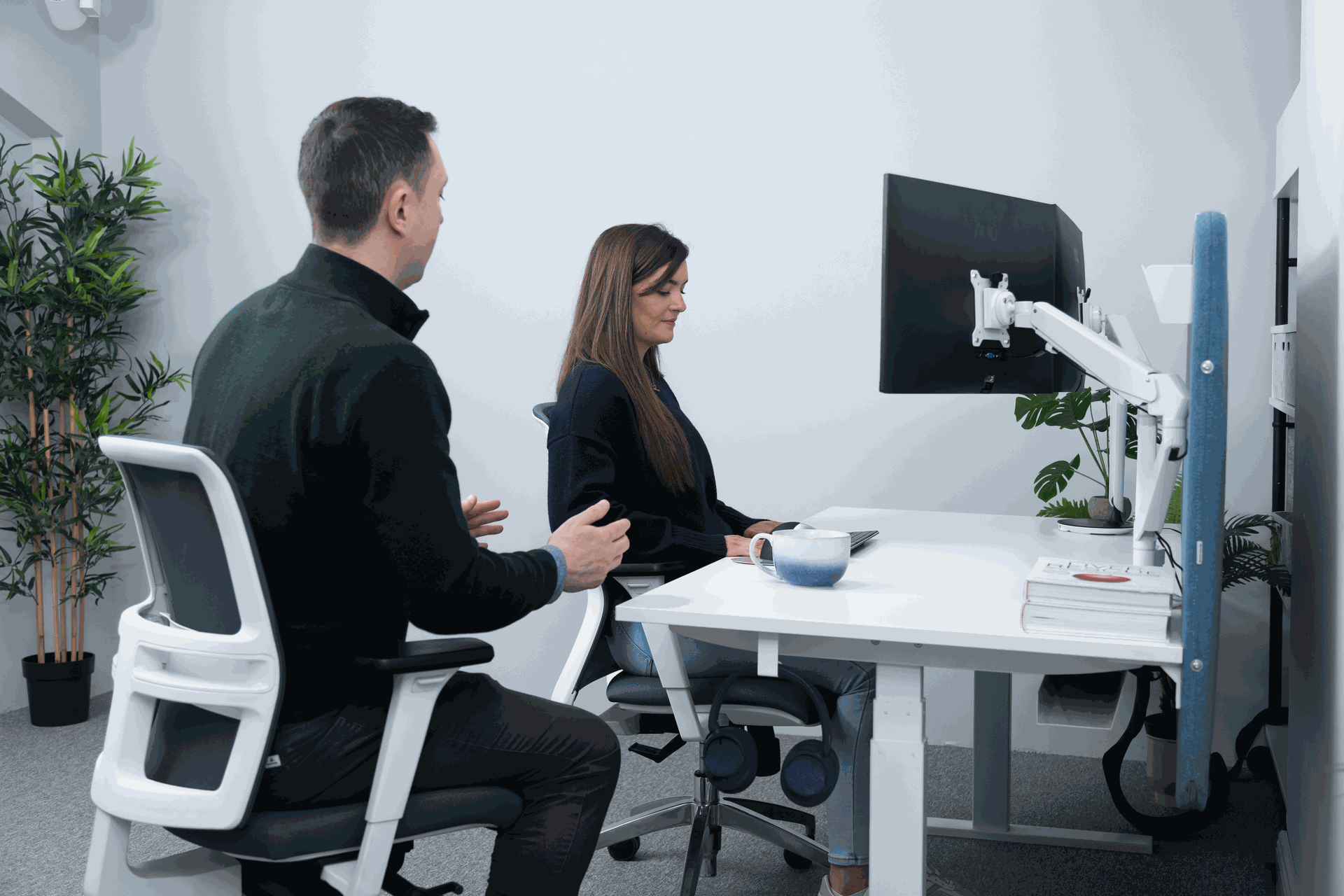
Detailed ergonomic assessments
Clinically led assessments for patients with persistent symptoms, diagnosed conditions or a return to work.
Find out more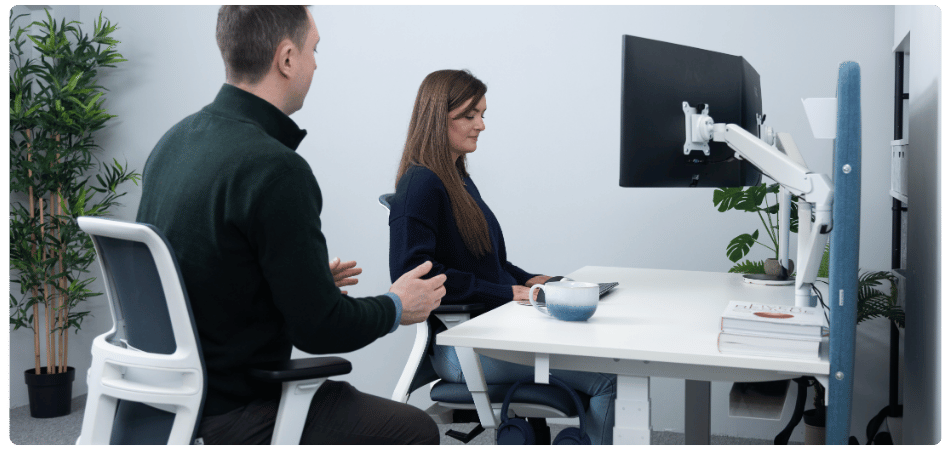
Workplace needs assessments
A full review of the person, role and environment for complex and disability-related cases.
Find out more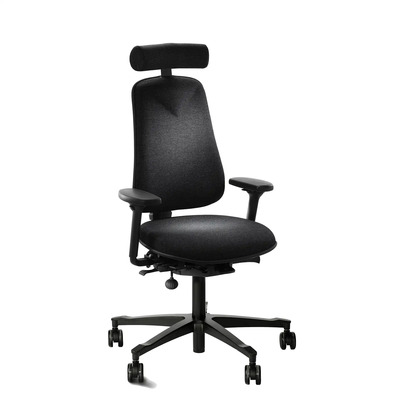
Showroom consultations
Patients can trial specialist chairs, desks, keyboards and mice with our physiotherapists, in person or online.
Book a consultation
DSE assessor training
Add ergonomic assessments to your clinical services with certified Level 1, Level 2 and remote courses.
View coursesFrequently asked questions
How can physiotherapists help patients with work-related posture problems?
Focus on four areas: working habits, workstation setup, the workplace supports the patient is entitled to, and specialist equipment where standard furniture isn't enough. Specific, realistic advice in each area helps treatment gains carry over into the working week.
What is the difference between a DSE assessment and a detailed ergonomic assessment?
A DSE assessment is a legal entitlement for habitual screen users and is often a basic compliance check. A detailed ergonomic assessment is clinically informed and designed for people with persistent symptoms, diagnosed conditions or a return to work after injury.
What should I write when recommending ergonomic equipment for a patient?
Describe what the equipment must achieve, for example supporting the lumbar curve and allowing recline, or reducing forearm pronation, rather than a generic term like "ergonomic chair". Recommend that it is trialled and fitted by someone familiar with the product.
Is sitting worse for the spine than standing?
Slumped, forward-flexed sitting increases lumbar disc pressure considerably compared with standing, while supported, slightly reclined sitting reduces it. The bigger issue is staying in any one position too long, which is why regular movement and position changes are recommended.
Can patients get funding for workplace assessments and equipment in Ireland?
In some cases, yes. Employers have reasonable accommodation duties, and State supports such as the Work and Access programme can help fund assessments, equipment and adaptations. See our guide to Work and Access grants.
Does KOS provide training for clinicians?
Yes. We offer free in-service sessions for clinical teams, and DSE assessor training for clinicians who want to add ergonomic assessments to their services. Email ergoclub@kos.ie to arrange an in-service.
References
- Alkhajah, T.A. et al. (2012). Sit-stand workstations: a pilot intervention to reduce office sitting time. American Journal of Preventive Medicine, 43(3), 298 to 303. View
- Andersson, G.B.J. (1999). Epidemiological features of chronic low-back pain. The Lancet, 354(9178), 581 to 585. View
- Nachemson, A.L. (1981). Disc pressure measurements. Spine, 6(1), 93 to 97.
- National Institute for Health and Care Excellence. Low back pain and sciatica in over 16s: assessment and management (NG59). View
- Oppezzo, M. and Schwartz, D.L. (2014). Give your ideas some legs: the positive effect of walking on creative thinking. Journal of Experimental Psychology: Learning, Memory, and Cognition, 40(4), 1142 to 1152. View
- Robertson, M.M., Ciriello, V.M. and Garabet, A.M. (2013). Office ergonomics training and a sit-stand workstation: effects on musculoskeletal and visual symptoms and performance of office workers. Applied Ergonomics, 44(1), 73 to 85. View
- Shrestha, N. et al. Workplace interventions for reducing sitting at work. Cochrane Database of Systematic Reviews. View
- Wilke, H.J. et al. (1999). New in vivo measurements of pressures in the intervertebral disc in daily life. Spine, 24(8), 755 to 762. View
You can deliver excellent treatment in an hour a week and still watch a patient plateau. The reason is often sitting in their office: the chair, screen and working habits they return to for the other 40 hours. This guide is for physiotherapists, occupational therapists, GPs, chiropractors and consultants who want to close that gap, with practical advice you can give in clinic and clear routes to the support patients are entitled to at work.
KOS Ergonomics has worked alongside Irish clinicians for over 28 years, from spinal surgeons and physiotherapists to occupational therapists and GPs. The frustration we hear most is the same one: the workplace undoes the treatment, and the clinician has no way into it. Our multidisciplinary team of ergonomists, physiotherapists and health and safety specialists sees the other side, the people at their desks whose pain is shaped by how they work. This article brings the two together.
Why the workplace undermines treatment
Treatment is intermittent. Exposure is continuous. A patient might complete prescribed exercises a few times a week, then spend most of their waking hours in a seated, static posture at a workstation that was never set up for them. For conditions driven by cumulative load, such as non-specific low back pain, neck pain, tendinopathies and nerve entrapments, that exposure can outweigh the treatment dose.
A few hours of high-quality treatment can be undone by weeks of an unsupportive setup and poor working habits.
Most patients don't know which parts of their workday are aggravating their symptoms, and most employers don't know what to change. That leaves the clinician as the person best placed to connect the dots, with the right tools.
What sitting actually does to the spine
Classic intradiscal pressure studies by Nachemson suggested that sitting loads the lumbar discs considerably more than standing, and that slumped, forward-flexed sitting loads them most. Later in vivo work by Wilke and colleagues (1999) refined this: relaxed upright sitting produced pressures closer to standing than first thought, while slumped, flexed sitting still raised disc pressure markedly. A correctly positioned backrest and slight recline reduce the load further.
The practical message for patients is consistent across both bodies of evidence:
- Slumped, forward-leaning sitting is the position to minimise. It loads the disc and holds the lumbar spine in sustained flexion.
- Support and slight recline unload the spine. A backrest that fills the lumbar curve takes load off the discs and back muscles.
- No single posture is right for eight hours. Movement and variation matter more than finding a perfect position. Your next posture is your best posture.
This fits current clinical guidance such as NICE NG59 on low back pain and sciatica, which favours staying active and self-management over rest.
Four areas to cover with your patients
You don't need to become an ergonomist to make a difference. These four areas cover most of what patients need:
| Area | What it achieves | Where to start |
|---|---|---|
| 1. Working habits | Reduces sustained static load between treatment sessions | Movement, breaks and position changes through the day |
| 2. Workstation setup | Removes the most common aggravating postures | Chair, feet, screen and reach, in that order |
| 3. Workplace supports | Gets the employer involved and equipment funded | DSE assessment, detailed assessment, grants |
| 4. Specialist equipment | Addresses the minority whose needs standard furniture can't meet | Matched to condition, body size and task, then fitted properly |
1. Healthy working habits
Habit change is where patients have the most control, and where small, specific advice works better than general encouragement. These six habits are realistic in most offices:
Alternate working positions
Encourage patients to change position regularly and use the movement their chair allows. A sit-stand desk makes alternating easy: in Alkhajah et al. (2012), introducing sit-stand workstations cut workplace sitting by over two hours a day, and a Cochrane review of workplace interventions found sit-stand desks reduce sitting at work in the short term, with less certain effects over longer periods. Standing all day is not the aim; regular change is.
Use hydration as a movement cue
Drinking water regularly brings natural reasons to get up: refilling a glass and more frequent bathroom breaks. A small cup rather than a large bottle increases the number of trips.
Try walking meetings
One-to-one calls and short meetings can often be taken on foot. Research by Oppezzo and Schwartz (2014) at Stanford found most participants generated more creative ideas while walking than while sitting, a useful point when patients worry about productivity.
Let technology prompt breaks
Calendar reminders, smartwatch alerts, or equipment with built-in break prompts such as the KOS Split Keyboard and KOS MicroBreak Mouse turn good intentions into a routine of regular micro-breaks.
Build up standing and light activity gradually
A pattern such as 20 minutes sitting, 8 minutes standing and 2 minutes moving is a useful target, but adapt it to what the patient's workplace will realistically allow. Advice that feels impossible tends to be ignored. Building towards around two hours of standing and light activity across the working day is a reasonable long-term goal for many office workers.
Explain the rationale
This is the habit that makes the others stick. Patients who understand why sustained sitting and static postures aggravate their condition are far more likely to change. A two-minute explanation in clinic often achieves more than a printed handout.
Our article on staying mobile at work has patient-friendly versions of these tips you can share.
2. Workstation setup: a seven-point check
Ask your patient to describe or photograph their setup, then work through these points. Order matters: set the chair first, then fit everything else around the person.
- Feet supported. Feet flat on the floor or on a footrest. This stabilises the pelvis, encourages sitting back into the chair and discourages crossing the legs.
- Seat height. Hips level with or slightly above the knees, thighs roughly horizontal, so weight spreads through the thighs rather than concentrating in the lower back.
- Backrest and recline. Backrest set to a comfortable working angle. If the chair reclines, encourage periodic use to unload the lumbar spine. A locked, static chair invites the body to find a worse position.
- Lumbar support position. The support should sit in the hollow of the lower back, roughly just above the waistband of the trousers.
- Priority reach zones. Keyboard and mouse within the optimum reach zone, about half an arm's length. Items used occasionally within the maximum zone, about an arm's length, to avoid repeated leaning and twisting.
- Screen position. About an arm's length away, with the top third of the screen at eye level, so the head stays balanced over the shoulders. Lower it for patients who wear varifocals.
- Infrequent items further away. Printers, files and bins away from the desk, so the patient has to stand up and move during the day.
For versions patients can follow themselves, point them to our guides on ergonomics in the workplace and, for upper-limb conditions, carpal tunnel desk setup, tennis elbow and De Quervain's.
3. How patients can access support at work
Many patients don't realise what they are entitled to. Knowing the routes lets you give specific next steps rather than "speak to your employer".
| Route | What it is | When to recommend it |
|---|---|---|
| DSE assessment | A legal entitlement for habitual screen users under Regulation 72 of the General Application Regulations 2007, often carried out by an internal assessor after a short course | A baseline for any office-based patient; useful for general setup, but rarely sufficient once symptoms are established |
| Detailed ergonomic assessment | A clinically informed assessment by an ergonomist, physiotherapist or similarly qualified assessor, usually external | Recurring or persistent symptoms aggravated by work, diagnosed MSK conditions, pregnancy, or return to work after injury or surgery |
| Workplace needs assessment | A broader review of the person, their role, tasks and environment | Disability, long-term conditions, or complex return-to-work cases |
| Grants and reasonable accommodation | Employers have reasonable accommodation duties, and State grants can help fund assessments, equipment and adaptations | When cost is a barrier, or the patient has a disability or long-term condition |
Our guides on reasonable accommodation, Work and Access grants and the workplace needs assessment grant explain eligibility and how employers apply. The HSA's DSE FAQs set out what employers must provide.
A note on assessor competence
Standard DSE assessments are often treated as a compliance check, and internal assessors may have limited training and no clinical background. For a patient with a recurring or acute condition, recommend an assessor whose competence matches the issue. If you know a competent assessor or company, name them in your recommendation; it gives the employer a clear next step.
4. Specialist equipment: avoiding the "ergonomic chair" trap
In most organisations, standard adjustable furniture suits the large majority of staff once it is set up properly. A minority, including people with chronic low back pain, nerve entrapments, tendinopathies, and those much taller, shorter or heavier than average, need specialist equipment. They are usually the ones who end up in your clinic.
The gap is predictable. The employer expects the clinician to specify the equipment. The clinician knows what it needs to achieve, but not which product does it. A generic recommendation such as "needs an ergonomic chair" is written, procurement searches online, and the patient receives something that doesn't address their condition.
Translating clinical findings into a specification
The most useful thing you can write is what the equipment must do, not just what it is called:
| Clinical finding | Specify that the equipment must | Typical solutions |
|---|---|---|
| Flexion-intolerant low back pain or disc-related symptoms | Support the lumbar curve, allow slight recline, open the hip angle | Back care chair with adjustable lumbar support and forward or multi-tilt, such as the HM380 or Malmstolen 4000; sit-stand desk |
| Radicular leg symptoms aggravated by sitting | Adjust seat depth to clear the back of the knee; reduce thigh pressure | Chair with seat depth adjustment; tilting footrest; seat wedge |
| Lateral elbow pain or wrist extensor overload | Reduce forearm pronation and grip force | Vertical mouse such as the Evoluent 4, or a central pointing device such as the MouseTrapper Advance 2.0 |
| Carpal tunnel syndrome | Keep the wrist neutral; avoid pressure over the carpal tunnel | Low-profile or split keyboard such as the Kinesis Freestyle2; correctly sized vertical mouse |
| Shoulder or rotator cuff pain | Eliminate lateral reach to the mouse; support the forearms | Compact keyboard; central pointing device; forearm support |
| Cervical pain or headaches with screen work | Screen at the correct height and distance; no sustained rotation | Monitor arm such as the PI Float; laptop stand with separate keyboard and mouse |
| Above or below average body size | Adjustment ranges that actually fit the person | Chairs sized for the user, such as the Malmstolen 7000 for larger users |
Product examples are illustrative. The right choice depends on the individual, the task and the environment, and should be confirmed by trial and fitting.
Fitting matters as much as the product
A well-chosen back care chair that is set up incorrectly can be as unhelpful as the wrong chair. Specialist equipment should be fitted to the user by someone familiar with it, and the patient shown how to adjust it themselves. Where possible, let patients trial options first: our physiotherapists offer showroom consultations in Dublin and Tipperary and online, where equipment is matched to the clinical recommendation.
Bringing it together
Hours at the desk accumulate into weeks, months and years. Patients who understand their working habits and have a workstation that fits them manage their condition far better between appointments. Combining high-quality treatment with tailored ergonomic advice, the right workplace supports and properly specified equipment gives patients the best chance of a lasting outcome, and gives you a more complete service to offer.
Some clinicians go further and add ergonomic assessments to their own services. If that interests you, our DSE assessor training is designed to sit alongside existing clinical expertise.
Free in-service for clinical teams
Arrange a free in-service with one of our ergonomic consultants, at your clinic or online. We cover:
- Funding and grants available for workplace assessments and equipment
- How patients should engage with their employer when work is aggravating their condition
- Current ergonomic approaches in injury management
- Hands-on demonstrations of the latest specialist equipment
- How patients can access ergonomic supports at no cost to them
Clinicians tell us they leave better equipped to advise patients on posture-related issues and the supports available. Email ergoclub@kos.ie to arrange yours.
Related reading
- Ergonomics in the workplace: a practical guide for Irish employers
- Reasonable accommodation in the workplace: an employer's guide for Ireland
- Returning to work in Ireland: Work and Access grants explained
- Best keyboard and mouse for carpal tunnel syndrome
- RSI prevention: five tips for computer and mouse users
How KOS supports clinicians and their patients
Free clinical in-service
A session for your team on grants, workplace routes, current approaches and the latest equipment.
Arrange an in-serviceDetailed ergonomic assessments
Clinically led assessments for patients with persistent symptoms, diagnosed conditions or a return to work.
Find out moreWorkplace needs assessments
A full review of the person, role and environment for complex and disability-related cases.
Find out moreShowroom consultations
Patients can trial specialist chairs, desks, keyboards and mice with our physiotherapists, in person or online.
Book a consultationDSE assessor training
Add ergonomic assessments to your clinical services with certified Level 1, Level 2 and remote courses.
View coursesFrequently asked questions
How can physiotherapists help patients with work-related posture problems?
Focus on four areas: working habits, workstation setup, the workplace supports the patient is entitled to, and specialist equipment where standard furniture isn't enough. Specific, realistic advice in each area helps treatment gains carry over into the working week.
What is the difference between a DSE assessment and a detailed ergonomic assessment?
A DSE assessment is a legal entitlement for habitual screen users and is often a basic compliance check. A detailed ergonomic assessment is clinically informed and designed for people with persistent symptoms, diagnosed conditions or a return to work after injury.
What should I write when recommending ergonomic equipment for a patient?
Describe what the equipment must achieve, for example supporting the lumbar curve and allowing recline, or reducing forearm pronation, rather than a generic term like "ergonomic chair". Recommend that it is trialled and fitted by someone familiar with the product.
Is sitting worse for the spine than standing?
Slumped, forward-flexed sitting increases lumbar disc pressure considerably compared with standing, while supported, slightly reclined sitting reduces it. The bigger issue is staying in any one position too long, which is why regular movement and position changes are recommended.
Can patients get funding for workplace assessments and equipment in Ireland?
In some cases, yes. Employers have reasonable accommodation duties, and State supports such as the Work and Access programme can help fund assessments, equipment and adaptations. See our guide to Work and Access grants.
Does KOS provide training for clinicians?
Yes. We offer free in-service sessions for clinical teams, and DSE assessor training for clinicians who want to add ergonomic assessments to their services. Email ergoclub@kos.ie to arrange an in-service.
References
- Alkhajah, T.A. et al. (2012). Sit-stand workstations: a pilot intervention to reduce office sitting time. American Journal of Preventive Medicine, 43(3), 298 to 303. View
- Andersson, G.B.J. (1999). Epidemiological features of chronic low-back pain. The Lancet, 354(9178), 581 to 585. View
- Nachemson, A.L. (1981). Disc pressure measurements. Spine, 6(1), 93 to 97.
- National Institute for Health and Care Excellence. Low back pain and sciatica in over 16s: assessment and management (NG59). View
- Oppezzo, M. and Schwartz, D.L. (2014). Give your ideas some legs: the positive effect of walking on creative thinking. Journal of Experimental Psychology: Learning, Memory, and Cognition, 40(4), 1142 to 1152. View
- Robertson, M.M., Ciriello, V.M. and Garabet, A.M. (2013). Office ergonomics training and a sit-stand workstation: effects on musculoskeletal and visual symptoms and performance of office workers. Applied Ergonomics, 44(1), 73 to 85. View
- Shrestha, N. et al. Workplace interventions for reducing sitting at work. Cochrane Database of Systematic Reviews. View
- Wilke, H.J. et al. (1999). New in vivo measurements of pressures in the intervertebral disc in daily life. Spine, 24(8), 755 to 762. View

 and then Add to Home Screen.











