

December has a way of arriving all at once. Budgets close, people take leave, and the questions that have been sitting at the bottom of the list since spring suddenly matter. If you look after health and safety, HR or facilities, one of those questions is probably this: is our DSE programme actually where it needs to be?
Most organisations we work with aren't ignoring their obligations. They ran assessments at some point, bought some equipment, and filed the reports. The problem is that workplaces change faster than paperwork does. New starters arrive, teams move floors, hybrid patterns shift, and an assessment that was accurate in January can be out of date by June.
This guide gives you ten questions to work through before 31 December. Each one is grounded in what Irish law and Health and Safety Authority (HSA) guidance actually require, and each one points you to what "good" looks like. Answer them honestly, and you'll finish the year knowing exactly where you stand and what to prioritise in 2027.
The legal starting point: DSE duties in Ireland sit under the Safety, Health and Welfare at Work Act 2005 and Chapter 5 of Part 2 of the General Application Regulations 2007 (Regulations 70 to 73 and Schedule 4). The HSA's Guide to the Display Screen Equipment Regulations explains them in plain terms. For a fuller walkthrough, see our DSE compliance guide for Irish employers.
First, a word about the pressure
If you're the person responsible for DSE, there's often a quiet worry underneath all this: if something goes wrong, it lands on me. It's a fair feeling, but it's worth reframing. The legal duty sits with the employer, not with one individual. What protects you, and the organisation, is a programme that is documented, current and acted on. That's exactly what these ten questions help you build.
The 10-question DSE year-end check
1Do you know exactly who your DSE users are?
The Regulations apply to employees who habitually use display screen equipment as a significant part of their normal work. In most offices that's nearly everyone, but roles change through the year, and people in labs, reception, control rooms or field roles are easy to miss.
What good looks like: a current list of DSE users, updated for starters, leavers and role changes, with each person's work location (office, home, or both) recorded.
2Has every DSE user had a workstation assessment by a competent person?
Regulation 72 requires employers to analyse workstations and evaluate the risks to employees' safety and health, particularly eyesight, physical problems and mental stress. The HSA expects this to be carried out by a competent person: someone with sufficient training, experience and knowledge.
What good looks like: every DSE user has a documented assessment, completed by a trained assessor rather than a self-assessment form that nobody reviewed. Whether that assessor is in-house or external is your choice; our free Internal vs External DSE Assessor Models guide compares the two. If you need assessments carried out, see our DSE assessment services.
3Have assessments been redone after this year's changes?
Irish DSE law doesn't give assessments a fixed expiry date. Instead, the HSA's DSE FAQs point to events that require a fresh look: a move to a new workstation, significant new equipment or technology, or changes to the work itself.
What good looks like: a simple log of 2026's changes (office moves, new monitors or laptops, hot-desking, new starters) matched against reassessment dates. Many organisations also set a periodic review cycle as company policy. For a refresher on what an assessment covers, read What is a DSE assessment?
4Are home and hybrid workstations covered?
Where an employee habitually works from home, their home workstation is part of their place of work for safety purposes. The HSA's remote working guidance and checklist makes clear that employers' duties continue when people work remotely.
What good looks like: hybrid employees have an assessment for each location they habitually work from, not just the office desk. Remote DSE assessments by video call are an efficient way to close this gap, and our guide to setting up an ergonomic workspace at home is a useful resource to share with staff.
5Were the recommendations from assessments actually closed out?
This is where many programmes quietly fall down. An assessment identifies a need for a monitor riser, a separate keyboard for a laptop user or a properly adjustable chair, and then the report is filed. An assessment that identifies a risk but leads to no action can leave the organisation more exposed, not less, because it shows the risk was known.
What good looks like: every recommendation has an owner, a status and a closed date. If your actions live across emails and spreadsheets, a DSE management software platform keeps them in one place, from assessment through to equipment and sign-off.
6Have DSE users been offered eye and eyesight tests?
Regulation 73 requires employers to make an appropriate eye and eyesight test available to DSE users before they start DSE work, at regular intervals afterwards, and if they experience visual difficulties that may be due to their work. Where the test shows that special corrective appliances are needed for DSE work, the employer must provide them.
What good looks like: a clear, communicated process for requesting an eye test, and a record of who has been offered one. The HSA's DSE guide covers what "corrective appliances" means in practice.
7Have employees received DSE information and training?
Employers must give DSE users information and training on the safety and health aspects of their workstation, both when they start and whenever the workstation is substantially changed. A five-minute video during induction in 2023 is unlikely to be enough for someone now working across two locations.
What good looks like: training completion recorded for every DSE user, refreshed when their set-up changes. Our DSE management software pairs employee training with the self-assessment process so the two stay linked.
8Is screen work broken up with planned breaks or changes of activity?
Regulation 72 also requires employers to plan work so that DSE use is periodically interrupted by breaks or changes of activity. With back-to-back video calls now the norm for many teams, this one is worth a genuine look rather than a tick.
What good looks like: guidance on breaks and changes of activity built into your DSE policy and training, and managers who model it.
9Has everyone who reported discomfort been followed up?
Reports of neck, back, shoulder or wrist pain, or eye strain, are the clearest signal that an existing assessment may no longer be adequate. They are also the cases most likely to escalate into absence or a claim if left unresolved.
What good looks like: every discomfort report triggers a review, with more complex cases escalated to a detailed ergonomic assessment. For employees with existing conditions or returning after time off, a workplace needs assessment goes further than a standard DSE review.
10Could you produce your DSE records tomorrow if asked?
Under the 2005 Act, every employer must have a written safety statement based on an identification of hazards and an assessment of risks. If an HSA inspector, an insurer or a solicitor asked for your DSE records, how long would it take to pull together assessments, actions, training and eye-test offers?
How did you score?
Count how many questions you answered with "no" or "not sure". This isn't a legal test, but it's a practical rule of thumb we use when helping organisations plan their next step.
| "No" or "not sure" answers | Where you are | Suggested next step |
|---|---|---|
| 0 to 2 | A solid, well-maintained programme | Document your review cycle and set 2027 reassessment dates now |
| 3 to 5 | The foundations are there, with clear gaps | Target the gaps before year-end, starting with discomfort cases and unassessed users |
| 6 or more | The programme needs a reset | Run a full DSE audit and build a structured plan for early 2027 |
What to fix first before 31 December
With only a few working weeks left in the year, you won't close every gap, and you don't need to. Prioritise by risk:
- Anyone who has reported discomfort and hasn't been followed up. These carry the most risk to the person and the organisation.
- DSE users with no assessment at all, especially 2026 starters and people working from home.
- Open actions from existing assessments, particularly equipment that was recommended but never provided.
- Your records. Pull what you have into one place so 2027 starts from a clear baseline.
Many organisations also find themselves with health and safety or wellbeing budget left to allocate at this time of year. Assessments, assessor training and recommended equipment are all practical ways to put it towards the gaps this checklist uncovers. We'll look at how to make the most of year-end budget in our next article.
Where these questions come from
Every one of these questions is something we hear from clients, often word for word, during assessments, training courses and planning calls. With over 100,000 workspaces assessed across Ireland, the same patterns come up again and again: home workers who were never assessed, recommendations that were never actioned, and records spread across too many inboxes. The good news is that each one has a clear, practical fix. For a broader view of building a programme that lasts, read our guide to ergonomics in the workplace in Ireland.
Not sure where your gaps are?
Talk to our team about a DSE programme review. We'll help you see where you stand, what to prioritise before year-end, and what to plan for 2027.
Book a ConsultationFrequently asked questions
Do DSE assessments expire in Ireland?
No. Irish DSE regulations don't set a fixed expiry date for workstation assessments. A new assessment is needed when something changes, such as a move to a new workstation, new equipment or technology, or an employee reporting discomfort. Many employers also set a periodic review cycle as part of their own safety management policy.
Do employees working from home need a DSE assessment?
Yes, where they habitually use display screen equipment as a significant part of their work at home. The HSA's remote working guidance confirms that employers' safety and health duties continue when employees work remotely, and hybrid workers should be assessed for each location they habitually work from.
Who can carry out a DSE assessment?
A competent person: someone with sufficient training, experience and knowledge to assess the workstation and recommend appropriate controls. This can be an external provider or a trained member of your own team. Our DSE and VDU assessor training course is designed for organisations that want to build that competence in-house.
Explore our DSE services
DSE Assessments
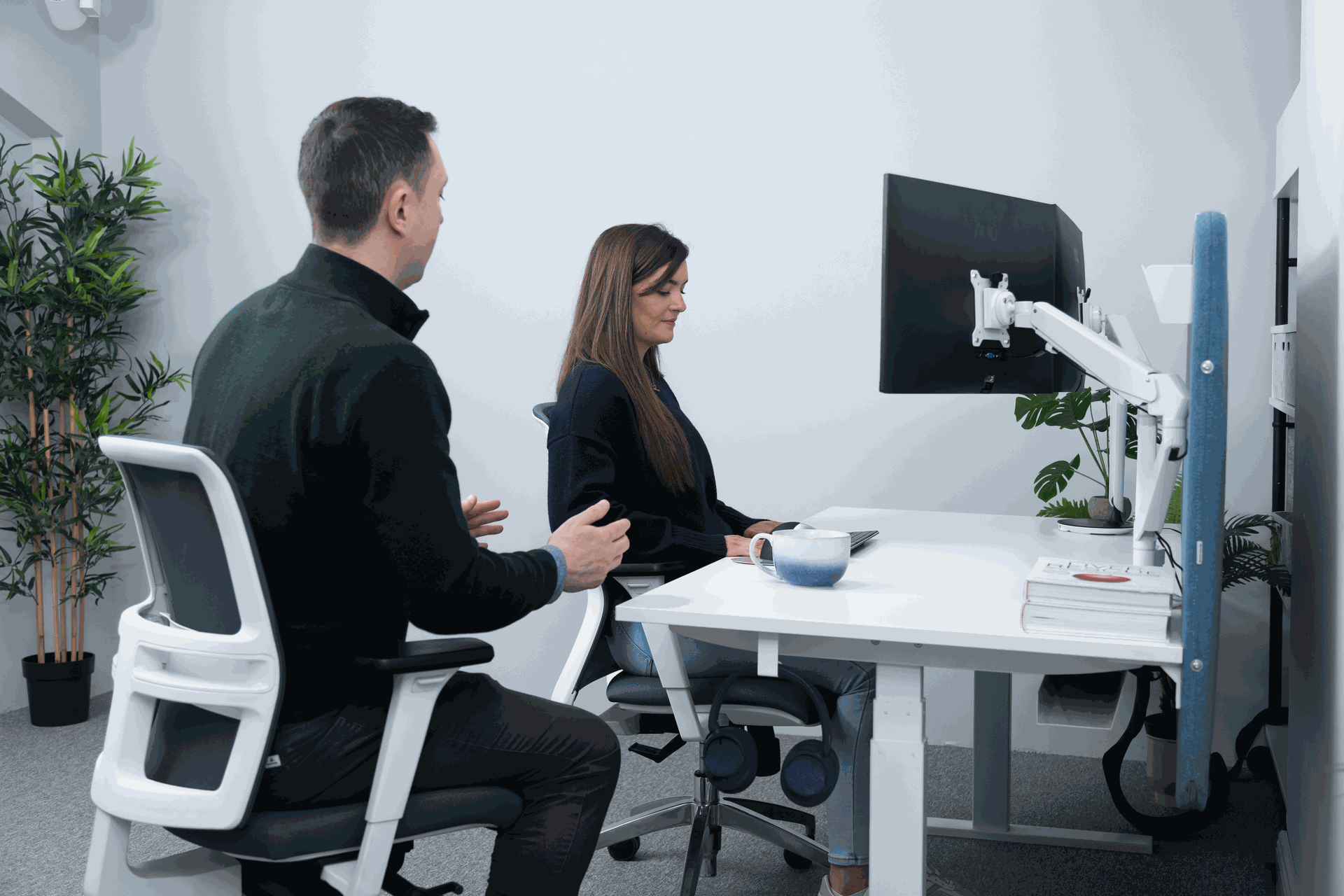
Clinically led in-person and remote workstation assessments with clear, documented reports for your compliance files.
Learn more
Remote DSE Assessments
Assess home and hybrid workstations by video call, with the same standard of reporting as an on-site assessment.
Learn more
DSE Assessor Training
Train your own competent assessors with our Level 1, Level 2 and Remote DSE courses, online or as a private group.
Learn more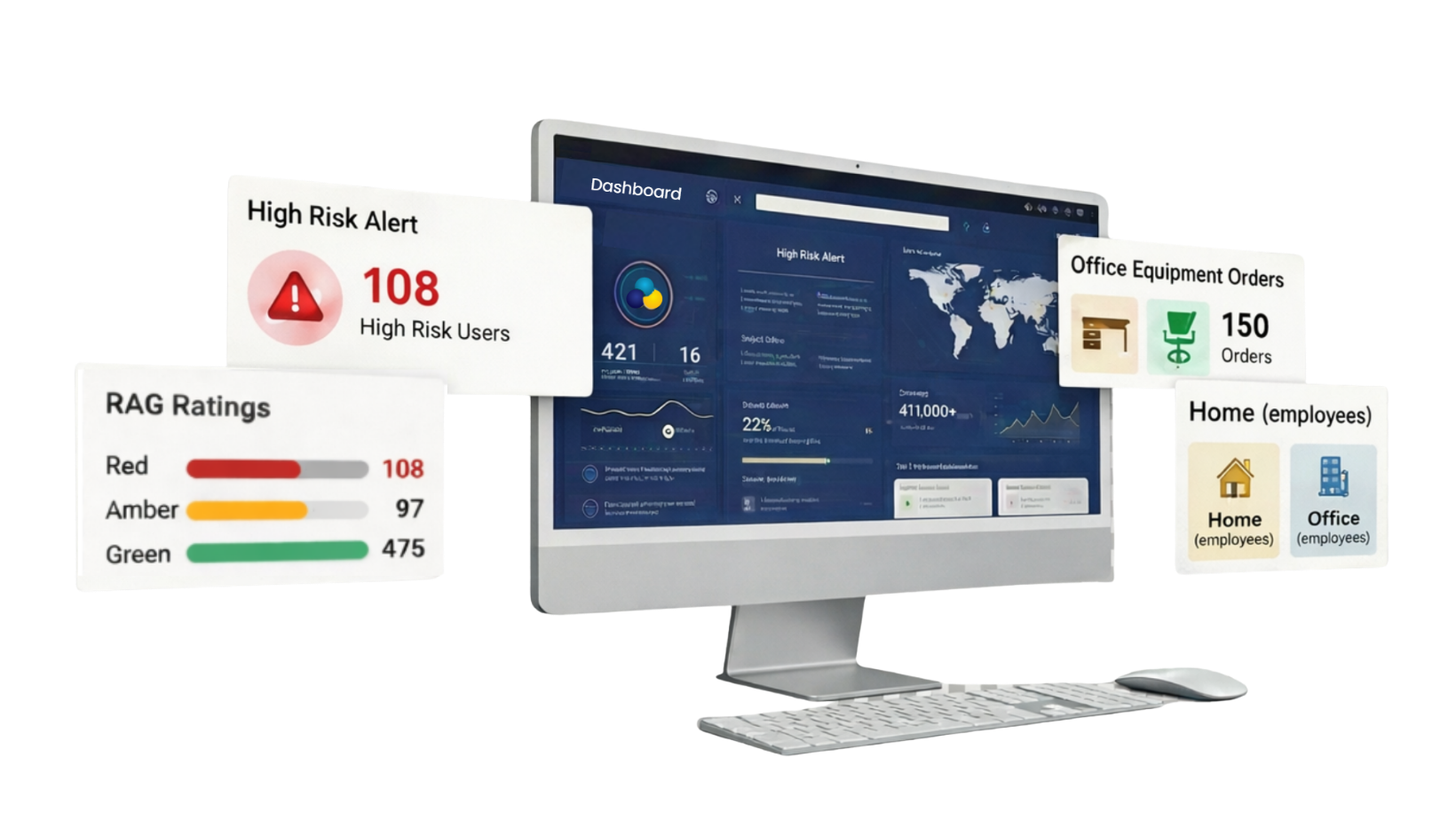
DSE Management Software
Training, self-assessments, actions and sign-offs in one place, so your records are ready whenever you need them.
Learn moreThis article is general guidance and isn't legal advice. Always refer to the current legislation and HSA guidance for your specific circumstances.
December has a way of arriving all at once. Budgets close, people take leave, and the questions that have been sitting at the bottom of the list since spring suddenly matter. If you look after health and safety, HR or facilities, one of those questions is probably this: is our DSE programme actually where it needs to be?
Most organisations we work with aren't ignoring their obligations. They ran assessments at some point, bought some equipment, and filed the reports. The problem is that workplaces change faster than paperwork does. New starters arrive, teams move floors, hybrid patterns shift, and an assessment that was accurate in January can be out of date by June.
This guide gives you ten questions to work through before 31 December. Each one is grounded in what Irish law and Health and Safety Authority (HSA) guidance actually require, and each one points you to what "good" looks like. Answer them honestly, and you'll finish the year knowing exactly where you stand and what to prioritise in 2027.
The legal starting point: DSE duties in Ireland sit under the Safety, Health and Welfare at Work Act 2005 and Chapter 5 of Part 2 of the General Application Regulations 2007 (Regulations 70 to 73 and Schedule 4). The HSA's Guide to the Display Screen Equipment Regulations explains them in plain terms. For a fuller walkthrough, see our DSE compliance guide for Irish employers.
First, a word about the pressure
If you're the person responsible for DSE, there's often a quiet worry underneath all this: if something goes wrong, it lands on me. It's a fair feeling, but it's worth reframing. The legal duty sits with the employer, not with one individual. What protects you, and the organisation, is a programme that is documented, current and acted on. That's exactly what these ten questions help you build.
The 10-question DSE year-end check
1Do you know exactly who your DSE users are?
The Regulations apply to employees who habitually use display screen equipment as a significant part of their normal work. In most offices that's nearly everyone, but roles change through the year, and people in labs, reception, control rooms or field roles are easy to miss.
What good looks like: a current list of DSE users, updated for starters, leavers and role changes, with each person's work location (office, home, or both) recorded.
2Has every DSE user had a workstation assessment by a competent person?
Regulation 72 requires employers to analyse workstations and evaluate the risks to employees' safety and health, particularly eyesight, physical problems and mental stress. The HSA expects this to be carried out by a competent person: someone with sufficient training, experience and knowledge.
What good looks like: every DSE user has a documented assessment, completed by a trained assessor rather than a self-assessment form that nobody reviewed. Whether that assessor is in-house or external is your choice; our free Internal vs External DSE Assessor Models guide compares the two. If you need assessments carried out, see our DSE assessment services.
3Have assessments been redone after this year's changes?
Irish DSE law doesn't give assessments a fixed expiry date. Instead, the HSA's DSE FAQs point to events that require a fresh look: a move to a new workstation, significant new equipment or technology, or changes to the work itself.
What good looks like: a simple log of 2026's changes (office moves, new monitors or laptops, hot-desking, new starters) matched against reassessment dates. Many organisations also set a periodic review cycle as company policy. For a refresher on what an assessment covers, read What is a DSE assessment?
4Are home and hybrid workstations covered?
Where an employee habitually works from home, their home workstation is part of their place of work for safety purposes. The HSA's remote working guidance and checklist makes clear that employers' duties continue when people work remotely.
What good looks like: hybrid employees have an assessment for each location they habitually work from, not just the office desk. Remote DSE assessments by video call are an efficient way to close this gap, and our guide to setting up an ergonomic workspace at home is a useful resource to share with staff.
5Were the recommendations from assessments actually closed out?
This is where many programmes quietly fall down. An assessment identifies a need for a monitor riser, a separate keyboard for a laptop user or a properly adjustable chair, and then the report is filed. An assessment that identifies a risk but leads to no action can leave the organisation more exposed, not less, because it shows the risk was known.
What good looks like: every recommendation has an owner, a status and a closed date. If your actions live across emails and spreadsheets, a DSE management software platform keeps them in one place, from assessment through to equipment and sign-off.
6Have DSE users been offered eye and eyesight tests?
Regulation 73 requires employers to make an appropriate eye and eyesight test available to DSE users before they start DSE work, at regular intervals afterwards, and if they experience visual difficulties that may be due to their work. Where the test shows that special corrective appliances are needed for DSE work, the employer must provide them.
What good looks like: a clear, communicated process for requesting an eye test, and a record of who has been offered one. The HSA's DSE guide covers what "corrective appliances" means in practice.
7Have employees received DSE information and training?
Employers must give DSE users information and training on the safety and health aspects of their workstation, both when they start and whenever the workstation is substantially changed. A five-minute video during induction in 2023 is unlikely to be enough for someone now working across two locations.
What good looks like: training completion recorded for every DSE user, refreshed when their set-up changes. Our DSE management software pairs employee training with the self-assessment process so the two stay linked.
8Is screen work broken up with planned breaks or changes of activity?
Regulation 72 also requires employers to plan work so that DSE use is periodically interrupted by breaks or changes of activity. With back-to-back video calls now the norm for many teams, this one is worth a genuine look rather than a tick.
What good looks like: guidance on breaks and changes of activity built into your DSE policy and training, and managers who model it.
9Has everyone who reported discomfort been followed up?
Reports of neck, back, shoulder or wrist pain, or eye strain, are the clearest signal that an existing assessment may no longer be adequate. They are also the cases most likely to escalate into absence or a claim if left unresolved.
What good looks like: every discomfort report triggers a review, with more complex cases escalated to a detailed ergonomic assessment. For employees with existing conditions or returning after time off, a workplace needs assessment goes further than a standard DSE review.
10Could you produce your DSE records tomorrow if asked?
Under the 2005 Act, every employer must have a written safety statement based on an identification of hazards and an assessment of risks. If an HSA inspector, an insurer or a solicitor asked for your DSE records, how long would it take to pull together assessments, actions, training and eye-test offers?
How did you score?
Count how many questions you answered with "no" or "not sure". This isn't a legal test, but it's a practical rule of thumb we use when helping organisations plan their next step.
| "No" or "not sure" answers | Where you are | Suggested next step |
|---|---|---|
| 0 to 2 | A solid, well-maintained programme | Document your review cycle and set 2027 reassessment dates now |
| 3 to 5 | The foundations are there, with clear gaps | Target the gaps before year-end, starting with discomfort cases and unassessed users |
| 6 or more | The programme needs a reset | Run a full DSE audit and build a structured plan for early 2027 |
What to fix first before 31 December
With only a few working weeks left in the year, you won't close every gap, and you don't need to. Prioritise by risk:
- Anyone who has reported discomfort and hasn't been followed up. These carry the most risk to the person and the organisation.
- DSE users with no assessment at all, especially 2026 starters and people working from home.
- Open actions from existing assessments, particularly equipment that was recommended but never provided.
- Your records. Pull what you have into one place so 2027 starts from a clear baseline.
Many organisations also find themselves with health and safety or wellbeing budget left to allocate at this time of year. Assessments, assessor training and recommended equipment are all practical ways to put it towards the gaps this checklist uncovers. We'll look at how to make the most of year-end budget in our next article.
Where these questions come from
Every one of these questions is something we hear from clients, often word for word, during assessments, training courses and planning calls. With over 100,000 workspaces assessed across Ireland, the same patterns come up again and again: home workers who were never assessed, recommendations that were never actioned, and records spread across too many inboxes. The good news is that each one has a clear, practical fix. For a broader view of building a programme that lasts, read our guide to ergonomics in the workplace in Ireland.
Not sure where your gaps are?
Talk to our team about a DSE programme review. We'll help you see where you stand, what to prioritise before year-end, and what to plan for 2027.
Book a ConsultationFrequently asked questions
Do DSE assessments expire in Ireland?
No. Irish DSE regulations don't set a fixed expiry date for workstation assessments. A new assessment is needed when something changes, such as a move to a new workstation, new equipment or technology, or an employee reporting discomfort. Many employers also set a periodic review cycle as part of their own safety management policy.
Do employees working from home need a DSE assessment?
Yes, where they habitually use display screen equipment as a significant part of their work at home. The HSA's remote working guidance confirms that employers' safety and health duties continue when employees work remotely, and hybrid workers should be assessed for each location they habitually work from.
Who can carry out a DSE assessment?
A competent person: someone with sufficient training, experience and knowledge to assess the workstation and recommend appropriate controls. This can be an external provider or a trained member of your own team. Our DSE and VDU assessor training course is designed for organisations that want to build that competence in-house.
Explore our DSE services
DSE Assessments
Clinically led in-person and remote workstation assessments with clear, documented reports for your compliance files.
Learn more
Remote DSE Assessments
Assess home and hybrid workstations by video call, with the same standard of reporting as an on-site assessment.
Learn more
DSE Assessor Training
Train your own competent assessors with our Level 1, Level 2 and Remote DSE courses, online or as a private group.
Learn more
DSE Management Software
Training, self-assessments, actions and sign-offs in one place, so your records are ready whenever you need them.
Learn moreThis article is general guidance and isn't legal advice. Always refer to the current legislation and HSA guidance for your specific circumstances.

 and then Add to Home Screen.











